
Search Bucks County Traffic Court Records
Traffic citation lookup in Bucks County starts with Pennsylvania UJS Case Search. The county's docket lookup information page routes users to criminal, Magisterial District Court, civil, and Orphans' Court lookup channels. UJS includes citation-number search, participant-name search, filing-date filters, county filters, and Magisterial District Court office filters. Bucks County is Judicial District 07, and the county's traffic matters generally begin in Magisterial District Courts unless the conduct is serious enough to become a criminal Common Pleas case.
Use the citation number when it is available. A name search can work, but it may return multiple people, older cases, non-traffic summary matters, or criminal dockets. A court traffic record found through UJS can be printed as a public docket sheet when available, while payment and court-cost functions are handled through the UJS traffic ticket or court costs path when eligible.
- Open UJS Case Search and choose the citation-number search when the ticket number is known.
- Enter the citation number exactly as it appears on the ticket or court notice.
- Narrow by Bucks County, Judicial District 07, filing date, or issuing MDJ office when needed.
- Review the docket for plea, court date, disposition, fines, costs, and failure-to-respond activity.
- Use PAePay or the assigned MDJ court for payment, contesting, or copy questions.
The statewide UJS Case Search page is the source for citation search access.
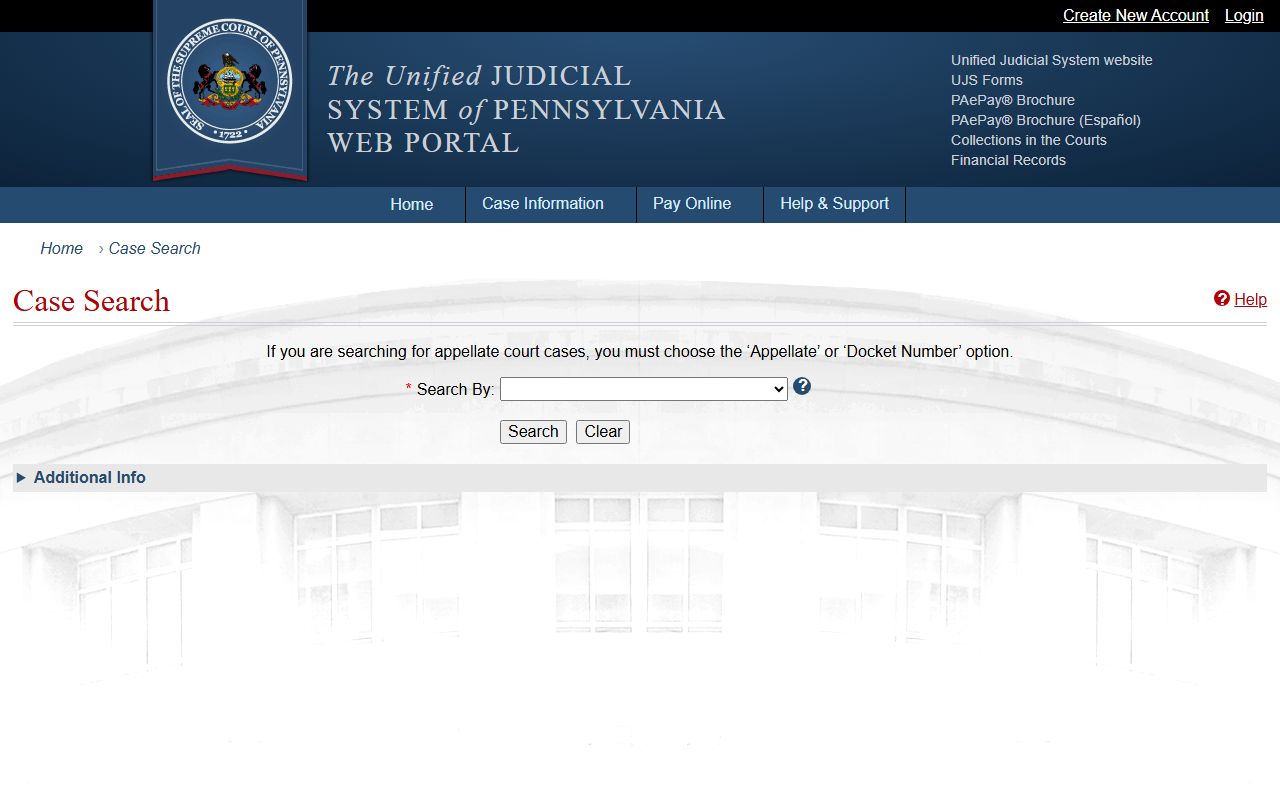
UJS is the core Bucks County traffic court record lookup because citation records are part of Pennsylvania's court docket system.
Bucks County Citation Fields
The UJS citation search table below follows the official search fields documented for Bucks County traffic lookup. The search can be narrow when the citation number is known, or broader when the search shifts to participant name, date range, county, judicial district, or MDJ office.
| Field Label | Type | Required | Notes / Format |
|---|---|---|---|
| Search By: Citation Number | Selector | Yes for citation search | Choose this UJS search type for a direct ticket lookup. |
| Citation Number | Text | Yes / primary | Exact citation number works best. |
| County | Dropdown | Optional | Choose Bucks to limit statewide results. |
| Judicial District | Dropdown | Optional | Choose Bucks - 07 when available. |
| MDJS Court Office | Dropdown | Optional | Select the issuing Magisterial District Court if known. |
| Date Filed Start / End | Date | Optional | Use a filing window to reduce unrelated results. |
| Participant Name | Alternate search | Optional | Use when the citation number is missing. |
| Buttons | Button | Yes | Search and reset controls vary by UJS view. |
Bucks County Traffic Courts
Traffic cases in Bucks County are primarily Magisterial District Court matters. The Bucks County District Courts page says the county has 18 MDJ courts with 18 judges and about 113 judicial clerks. These lower courts handle traffic citations, non-traffic summary offenses, landlord-tenant matters, small civil claims within statutory limits, preliminary arraignments, preliminary hearings in criminal matters, and some emergency protection matters.
The Court of Common Pleas becomes more important when a traffic-related incident is charged as a misdemeanor or felony, such as DUI or related criminal conduct, or when an appeal or higher-court proceeding is involved. Court staff can route copy and docket questions, but the assigned MDJ office is the most direct local contact for a routine citation.
| Court / Office | Traffic Role | Access Point |
|---|---|---|
| Magisterial District Courts | Routine traffic citations, summary traffic matters, hearings, payments, and failure-to-respond events | UJS Case Search and the assigned MDJ office |
| Court of Common Pleas | DUI, misdemeanor/felony traffic-related cases, appeals, and criminal case records | Bucks County Justice Center and UJS criminal dockets |
| Clerk of Courts | Criminal traffic-related records once a case is in Common Pleas | 100 North Main Street, Doylestown, PA 18901; 215-348-6389 |
| PennDOT | Driver history, points, license status, suspensions, and CDL reporting | State driver record channels, not county court records |
Bucks County Traffic Record
A court traffic record is the case record created by the citation and court response. It can show the ticket, issuing agency, offense statute, plea, court date, hearing status, disposition, fine, costs, and failure-to-respond activity. If the case becomes criminal, the docket may also show OTN, bail, counsel, plea, sentence, and costs through criminal court records.
| Field | What It Shows |
|---|---|
| Citation number | The ticket identifier used for UJS citation search. |
| Issuing agency | The police or enforcement agency that filed the traffic citation. |
| Offense statute | The traffic law or code section listed on the citation. |
| Plea | Whether a plea or response has been entered. |
| Court date | Scheduled hearing or event date before the MDJ or court. |
| Disposition | The outcome, such as guilty, dismissed, withdrawn, or otherwise disposed where shown. |
| Fine and costs | Amounts assessed by the court docket or payment system. |
| Failure to respond | Activity tied to missed response, missed appearance, or enforcement consequences. |
Pay or Contest Bucks Tickets
The UJS portal top menu includes traffic ticket or court costs payment access for eligible matters. Paying a citation can have legal and licensing effects, so the citation instructions and docket should be reviewed before payment. If the ticket is being contested, follow the response instructions on the citation and appear before the assigned MDJ when a hearing is set.
- Read the citation and identify the assigned Magisterial District Court.
- Search the citation in UJS to confirm the docket, status, and amount due when public.
- Use PAePay only if the citation or court costs are eligible for online payment.
- To contest, respond by the deadline and follow the hearing instructions from the MDJ court.
- After payment, dismissal, or hearing, print or save the docket sheet for proof of the current court status.
Important: Paying a traffic citation may be treated as a plea or disposition, so check licensing consequences first.
Bucks County Failure To Respond
Failure to respond to a Bucks County traffic citation can create court and licensing consequences. Official traffic-record guidance shows that failure to respond can produce a bench warrant or license consequences depending on case type and PennDOT reporting. A missed MDJ hearing may also create docket activity that should be addressed with the assigned court rather than with PennDOT alone.
When a citation is in failure-to-respond status, search UJS first, then call the assigned MDJ office with the citation number. If the docket suggests a warrant or criminal issue, the Clerk of Courts, Sheriff's Criminal Warrants Division, or counsel may need to be involved. A license suspension question belongs with PennDOT, but the court case may still need to be resolved before the driver record can be corrected.
Court Record vs Driver Record
The Bucks County traffic court record and the PennDOT driver record are different files. The court file shows what happened in the citation case. PennDOT tracks the licensing effect, including reportable convictions, points, suspension status, commercial driver consequences, and driver-history information. A disposed court case does not by itself prove that a driver record has updated.
| Record Type | Source | What It Shows | How to Access |
|---|---|---|---|
| Court traffic record | Magisterial District Court / UJS | Citation, court date, plea, disposition, fines, costs, and failure-to-respond events | UJS Case Search, PAeDocket, assigned MDJ, or printed docket sheet |
| State driver record | PennDOT | License status, points, reportable convictions, suspensions, and CDL reporting impact | PennDOT driver-history and license-record channels |
The Pennsylvania courts docket-sheet page explains public docket sheet search, review, and printing.
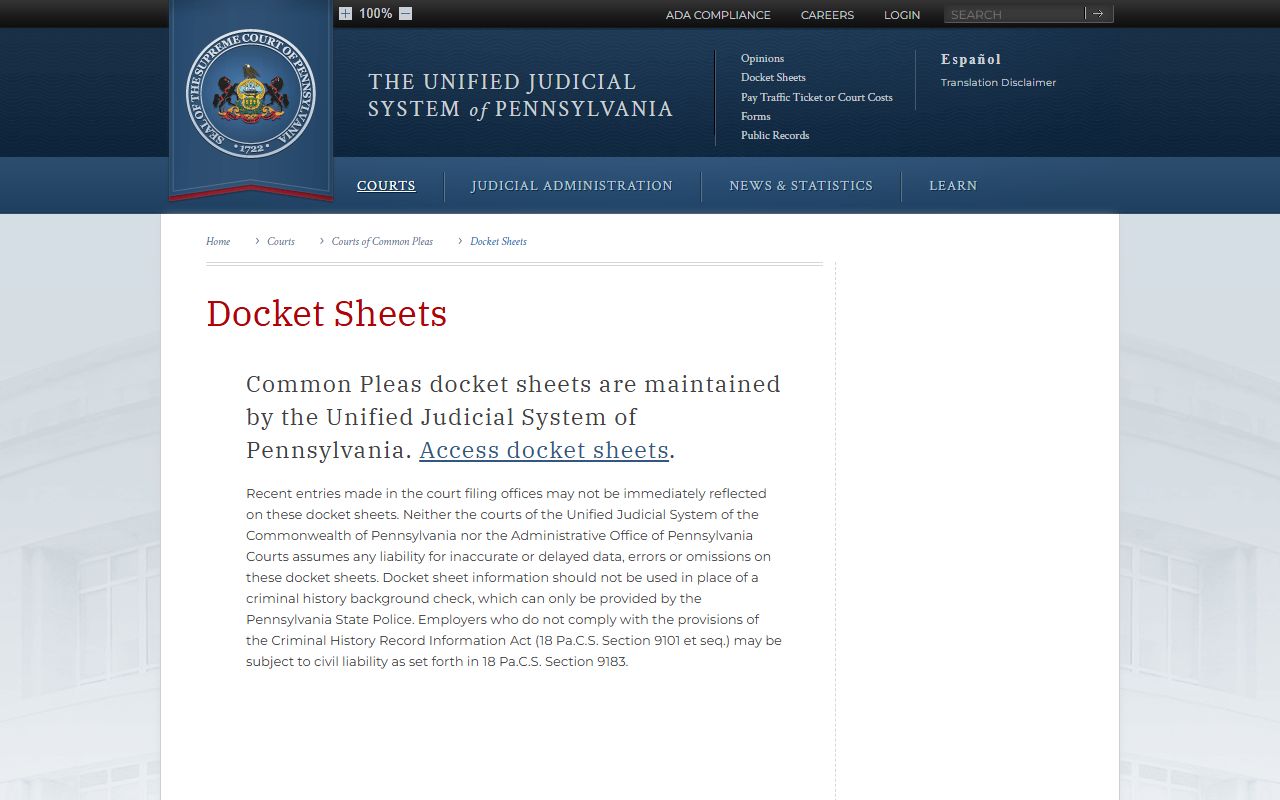
Docket sheets are court records; driver-history corrections and license status questions must go through the state driver-record system.
Bucks County Traffic Mobile Search
PAeDocket gives a mobile route for public court dockets. The PAeDocket App Store page says the app can search public cases from Magisterial District Courts, Common Pleas courts, and appellate courts, with basic summaries and more detailed case information. It can help when a traffic citation needs to be checked from a phone.
PAeDocket is not a PennDOT driver-record app and does not replace PAePay for eligible payment. It is best used as a public docket lookup companion to UJS Case Search. For a printed court record, use the docket sheet print option or contact the assigned MDJ office.
The PAeDocket mobile app listing is the source for the public court docket app screenshot.
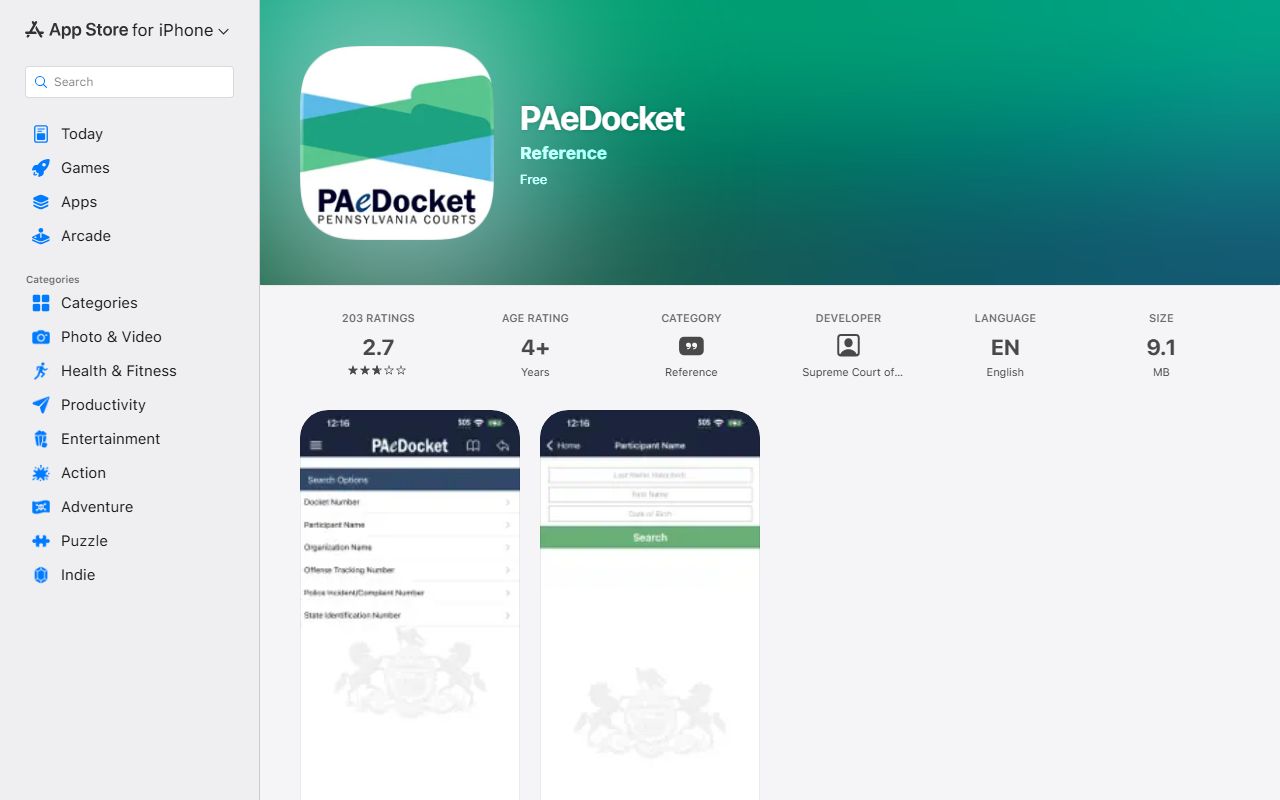
The mobile app can be useful for citation status, but the court and PennDOT still control separate parts of the traffic-record process.
CDL and DUI Routing
Commercial drivers should treat traffic citations as both court matters and driver-record matters. The Bucks County court docket can show the citation, plea, disposition, and fine or costs, but PennDOT and commercial-driver reporting rules control licensing consequences. A CDL holder should not assume a court result has no state reporting effect.
DUI and related misdemeanor or felony traffic conduct usually routes into criminal court rather than staying as a routine traffic citation. Those records may appear in Common Pleas criminal dockets and Clerk of Courts records. For case-file details after a DUI arrest, use Bucks County criminal court records rather than only the citation search.
Bucks County Traffic Access
Traffic dockets are public court records when they fall within the public access rules. Pennsylvania's UJS Case Records Public Access Policy controls public access to appellate and trial court case records, while the Pennsylvania Right-to-Know Law applies to agency records but is not the first route for ordinary court case files.
Some traffic-related records may be limited. Juvenile matters, sealed or expunged records, victim-sensitive information, personal identifiers, and Clean Slate limited-access records may not appear in public search. If a record has been sealed, expunged, or limited under Pennsylvania law, public docket access may be reduced even though authorized agencies may retain access.
Note: If UJS does not show a citation, contact the assigned MDJ court before assuming the ticket was never filed.
Bucks County Traffic Fees
UJS provides a traffic ticket or court costs payment path where eligible, but the official Bucks County material did not provide a traffic copy fee schedule. Avoid relying on a generic amount. For exact copy, certification, or payment-plan questions, contact the assigned MDJ court or the Bucks County Clerk of Courts if the matter has become a criminal Common Pleas case.
| Item | Amount / Source |
|---|---|
| Traffic ticket payment | Use PAePay or the UJS traffic ticket / court costs path when eligible. |
| Court costs | Shown through the case or payment system when assessed. |
| Plain docket sheet | UJS docket sheet search, review, and printing are described as a free public service. |
| Certified or office copies | Verify with the assigned MDJ office or Clerk of Courts before ordering. |
| Driver record | Use PennDOT, because state driver-history fees are separate from Bucks County court records. |